 Vetrinetta
Three things, done well
Know if you have it
Scan the code and the screen turns red, green or yellow. Books, comics, records, games: in a second, even offline.
See what you are missing
Sticker albums with missing and duplicates, gaps in series, wishlist: all in a list to take with you.
Swap with friends
One QR code each and the app suggests the right swap. No account, no network, just the two of you.
How it works
Six steps, in the order you will use it the first time. The screens are the app’s own, with a sample collection.
-
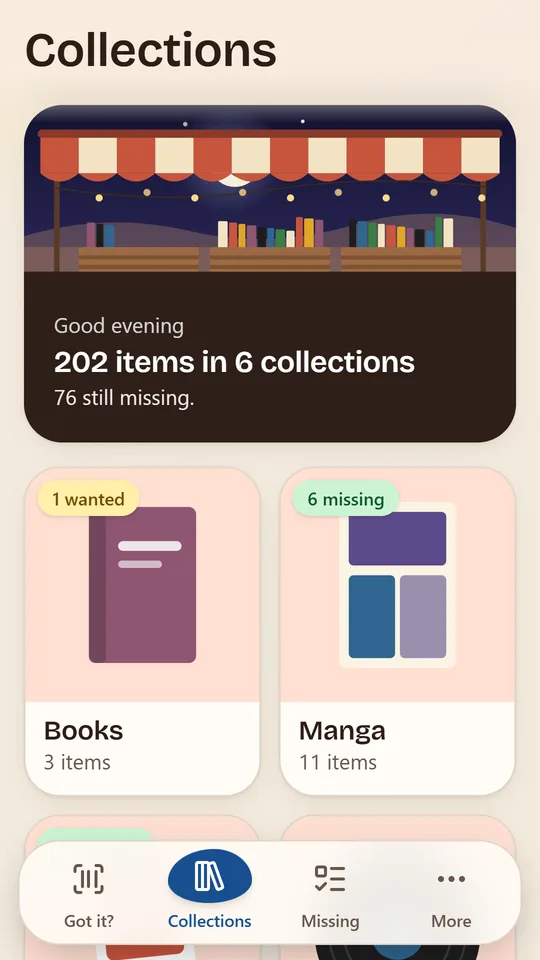
Step 1
Choose what you collect
Books, comics and manga, stickers, vinyl and CDs, board games, or a collection of your own with the fields you want. A name, and the collection is there.
-
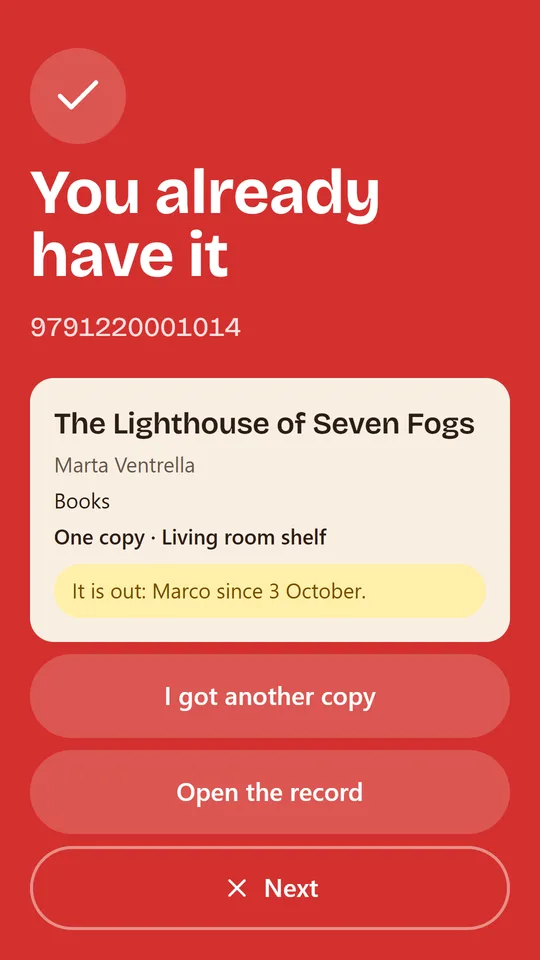
Step 2
Scan: got it already?
At the flea market or in a store, point at the barcode: red if you have it, green if you don’t, yellow if it is on your wishlist. In a second, even offline.
-
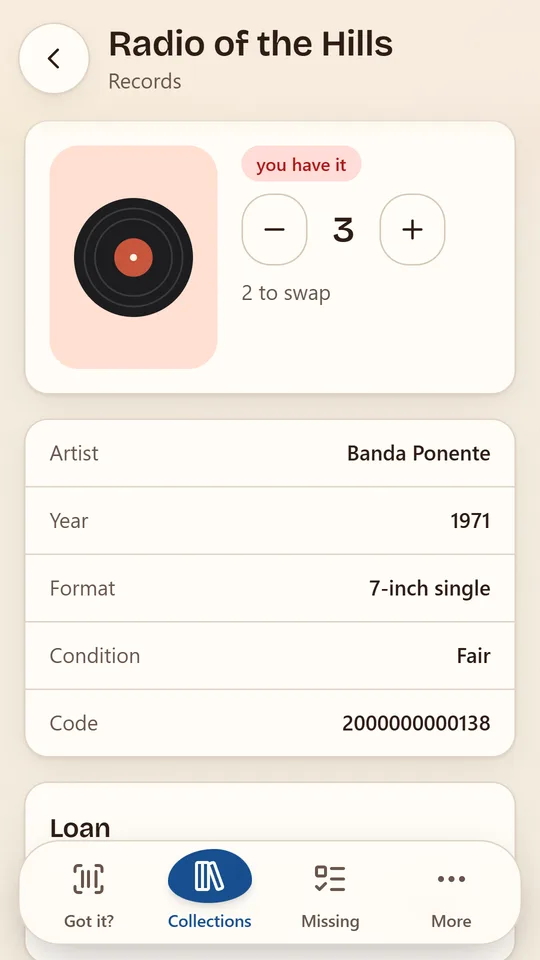
Step 3
Add it in a moment
From the code come the title and cover, when the open sources know them: you check and save. In burst mode you add many, one after another.
-
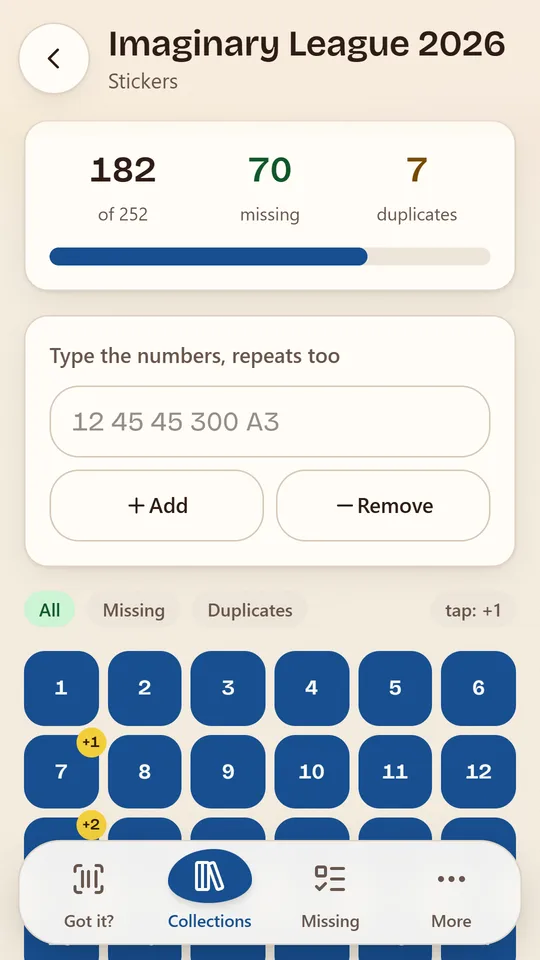
Step 4
Mark stickers in a burst
Create the album with its numbers, then type “12 45 45 300”: copies are counted by themselves, and you see what is missing and what is spare.
-
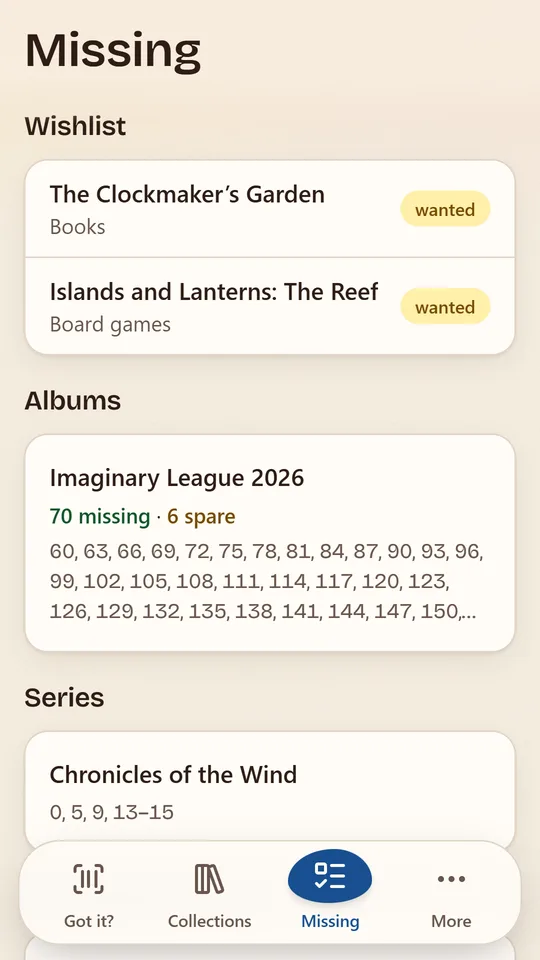
Step 5
Always know what to look for
Wishlist, gaps in series and missing stickers in one place, with a list to send to a friend or a shop.
-
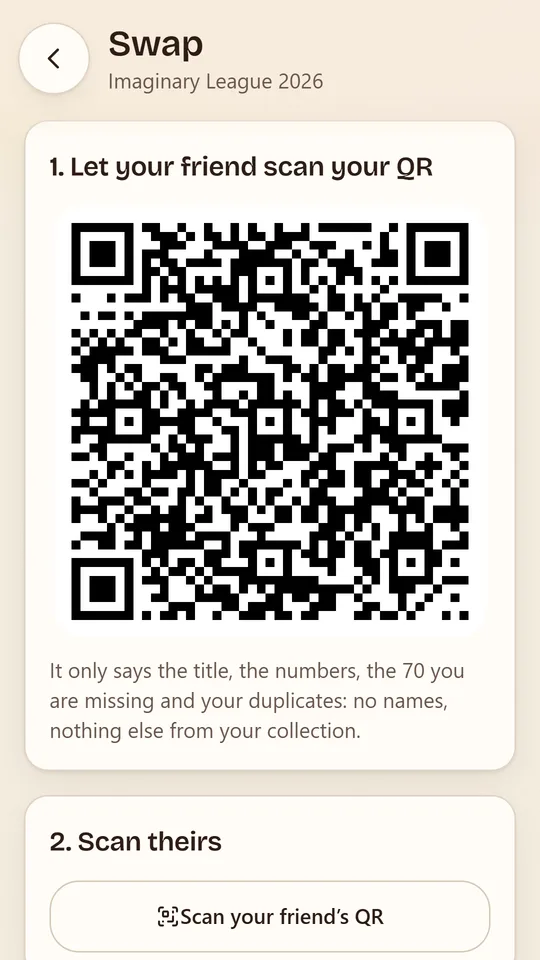
Step 6
Swap with a QR code
You show your QR code, your friend shows theirs: the app suggests “I give you, you give me”. Confirm, and the copies update. No account and no network.
Your data stays on your phone
Vetrinetta has no account, no server and no ads. What you write stays on your device: we do not receive it and we do not see it. Only when you add an item by its code, and if you want, that code goes to an open source to find its title and cover. You can export an encrypted backup and restore it on another phone. It is free and complete: there are no paid features.
Coming soon to Google Play